Creating a productive home workspace is essential for anyone working or studying from home. A well-designed environment can improve focus, reduce distractions, and make your daily tasks more enjoyable. Whether you have a dedicated room or just a small corner, the way you set up your space can make a big difference. Here are some useful tips to help you create an efficient and comfortable home workspace.
Choose the Right Location
Find a Quiet Spot
Start by selecting a quiet area where you can work without frequent interruptions or loud noises. If possible, avoid high-traffic zones like the living room or kitchen. A separate room, a spare bedroom, or even a nook in your home can provide a better focus environment.
Consider Natural Light
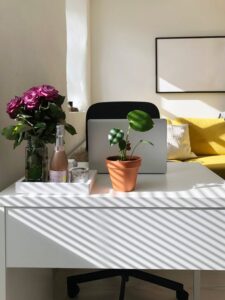
Natural light can greatly enhance mood and energy levels. Try to position your desk near a window to take advantage of sunlight. If natural light is limited, invest in good quality lighting to reduce eye strain.
Invest in Ergonomic Furniture
Comfortable Chair and Desk
Ergonomics matter when you spend long hours working. Choose a chair that supports your back and allows for good posture. Your desk should be at a height where your elbows rest comfortably at a 90-degree angle while typing.
Monitor at Eye Level
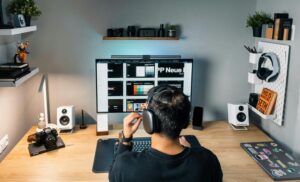
Position your computer screen so that the top of the monitor is at or just below eye level. This setup helps reduce neck and shoulder strain.
Keep Your Space Organized
Declutter Regularly
A clean and tidy workspace helps you stay focused. Remove unnecessary items from your desk and only keep the essentials.
Use Storage Solutions
Use shelves, drawers, and organizers to keep your papers, stationery, and other materials sorted. Labeling boxes and files can also save time when searching for documents.
Personalize Your Workspace
Add Inspiring Elements
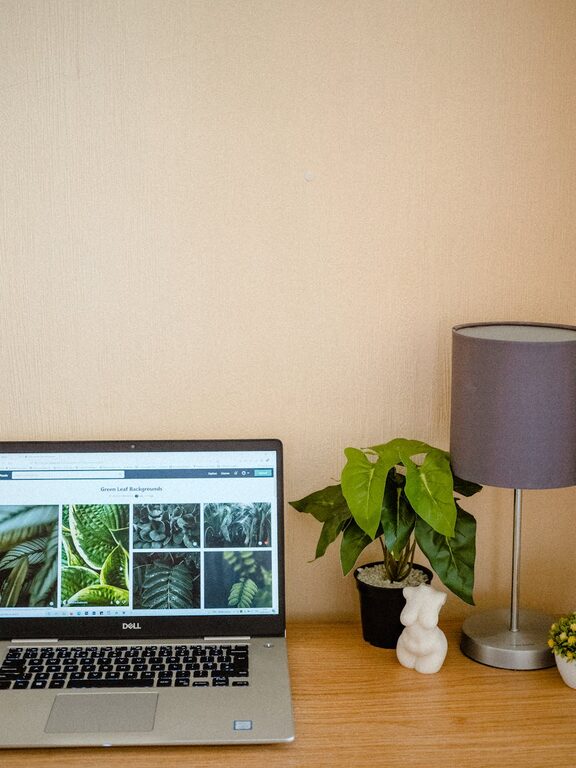
Incorporate items that motivate you, such as photos, plants, or artwork. Personal touches make your workspace inviting.
Keep it Minimal
Avoid overcrowding your desk with too many decorations. Strike a balance between personalization and practicality.
Manage Noise and Distractions
Use Noise-Canceling Headphones
If your environment is noisy, noise-canceling headphones can help you concentrate.
Set Boundaries with Others
Communicate your work schedule to family or roommates to minimize interruptions.
Establish Routine and Boundaries
Set Working Hours
Define specific times for work and breaks. Consistency helps your brain switch between “work mode” and “relax mode.”
Take Regular Breaks
Short breaks improve productivity and reduce fatigue. Use techniques like the Pomodoro method (25 minutes of focused work followed by a 5-minute break).
Optimize Technology and Tools
Reliable Equipment
Make sure your computer, internet connection, and software are reliable. Technical issues can disrupt workflow.
Use Productivity Apps
Applications for task management, time tracking, or focus can enhance your efficiency.
Maintain Good Air Quality and Temperature
Ventilation Matters
Good airflow helps keep you alert and comfortable. Open windows when possible or use an air purifier.
Control Temperature
Keep your workspace at a comfortable temperature, as being too hot or too cold can distract you.
Conclusion
Creating a productive home workspace is about balancing comfort, organization, and personalization. By choosing the right spot, investing in ergonomic furniture, and adopting good habits, you can improve your focus and make working from home a positive experience. Start small, adjust as needed, and enjoy the benefits of a workspace designed just for you.